
You can localize your website by selecting the locally preferred currency, unit of weight, and timezone for your Pixpa account from the Business Information page.
Follow the steps below to change them:

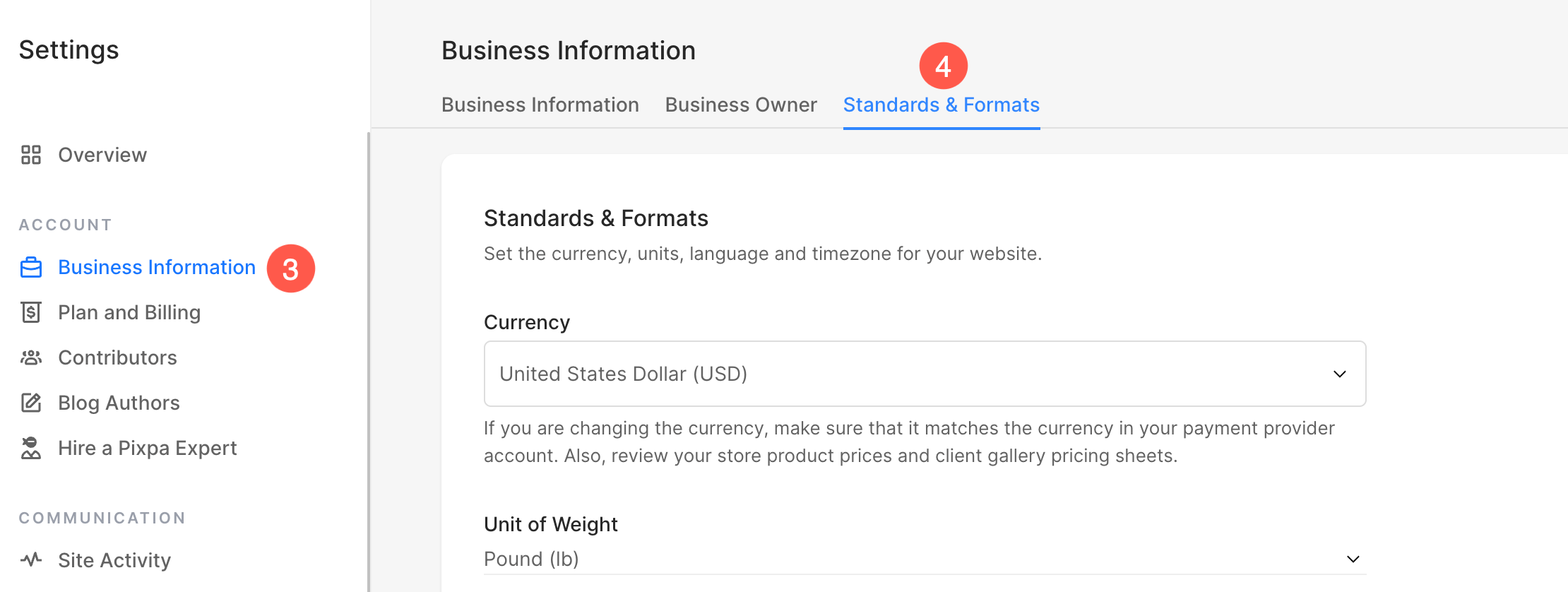
- From the left sidebar, click on Business Information (3) section and Standards & Formats (4) tab.
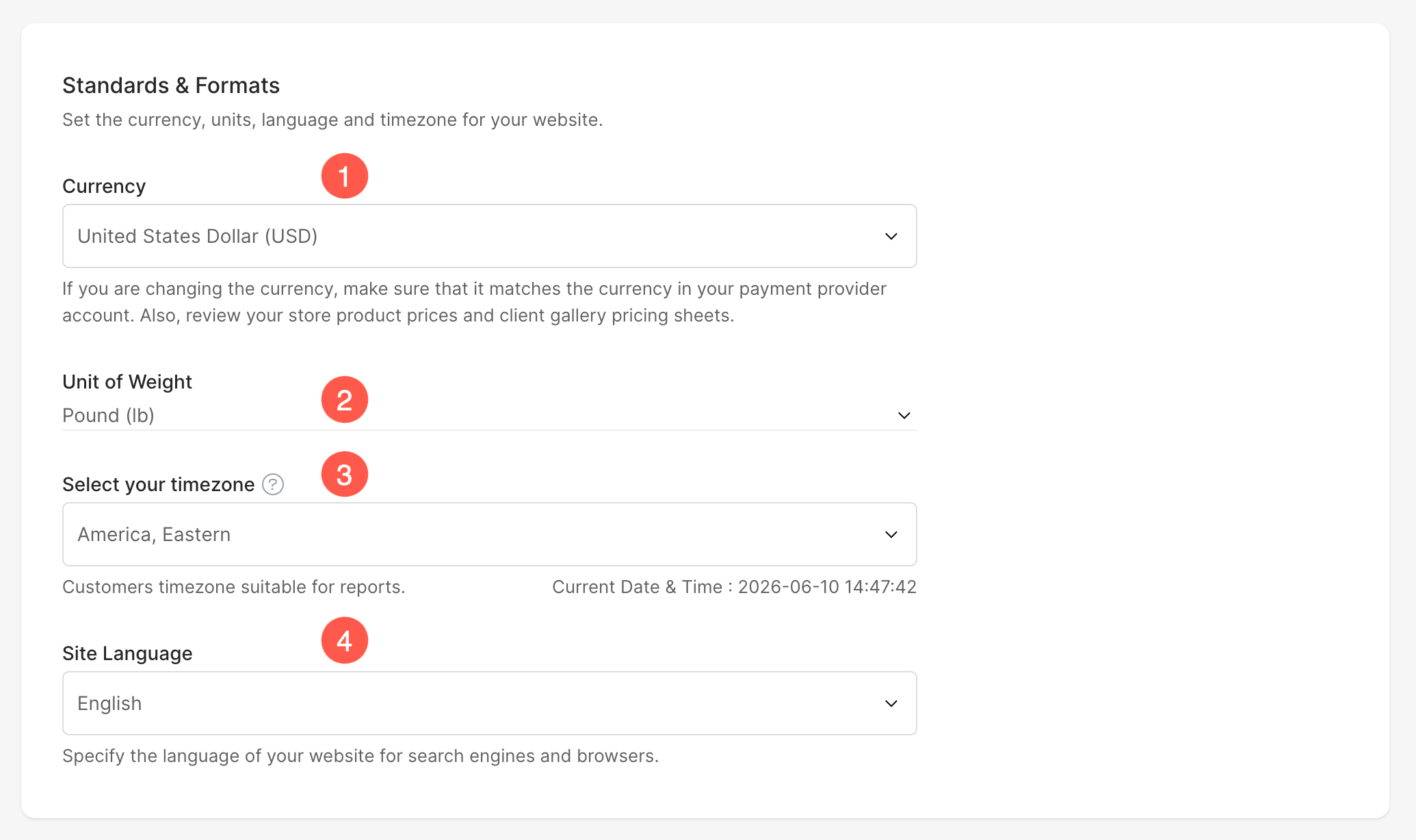
Under Standards & Formats section , you can view and edit the following:
- Currency – Select/change your currency from the dropdown. This will be used in dedicated store and client galleries.
- Unit of Weight – Select/change your preferred unit of weight (pound or kilogram). This will be used in store products.
- Select your timezone – Select/change your timezone from the dropdown. This will be used everywhere on your site. Know more.
- Site Language – Select the language of your website for search engines and browsers.
Click Save button to update your changes.