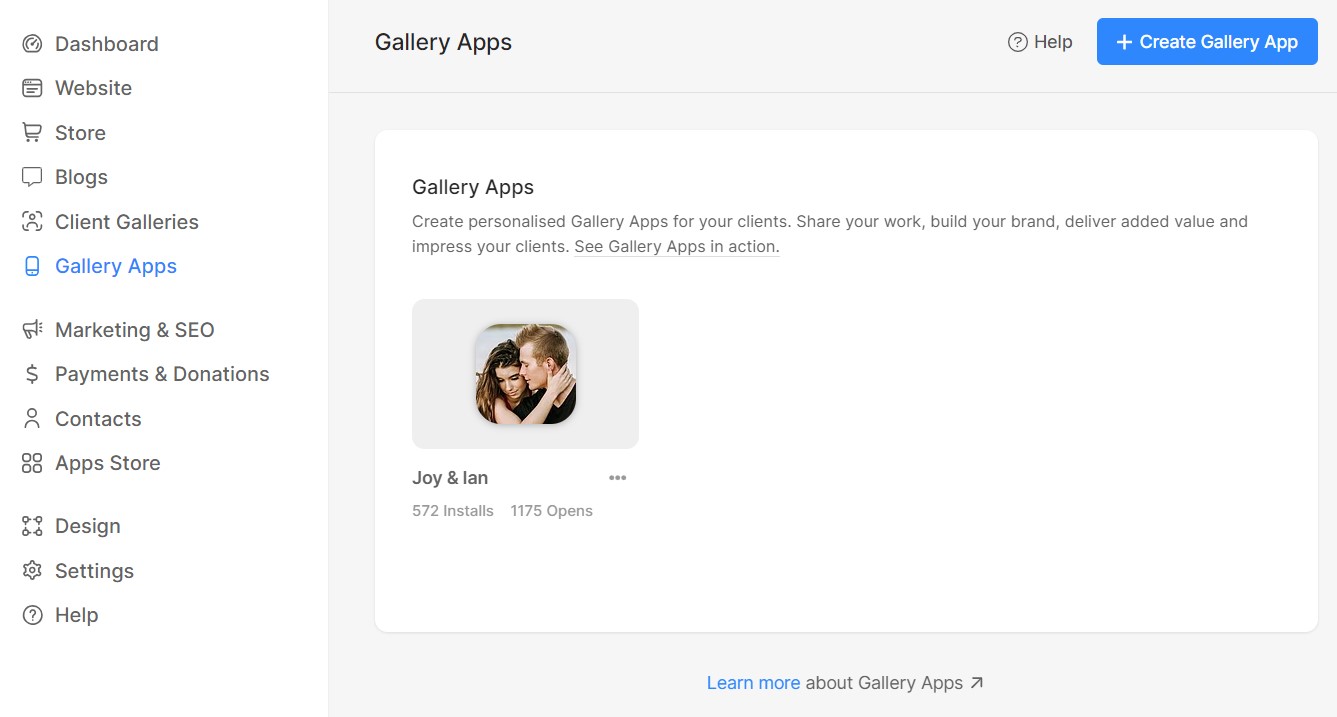
Pixpa’s Gallery Links platform enables you to create personalized mobile gallery apps for your clients. Share your work, build your brand, deliver added value, and impress your clients.
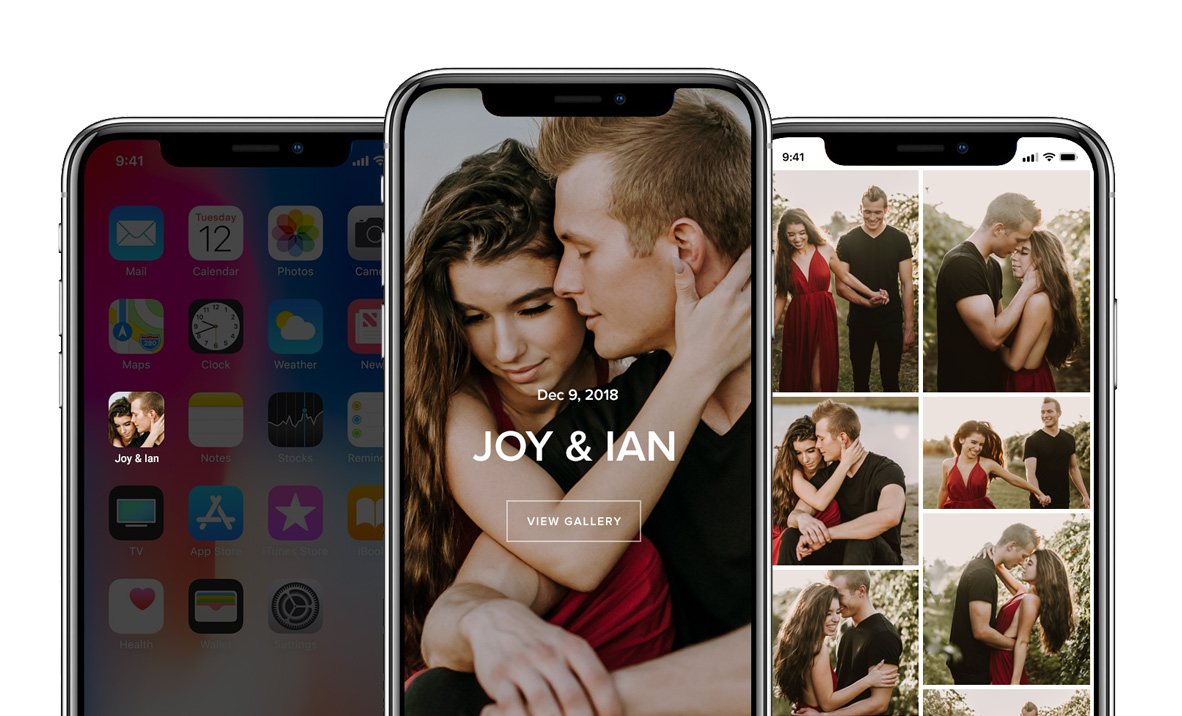
You can create a gallery link as a sneak peek of a photo shoot or share highlights from a project you have done. Each link contains social media sharing tools and your branding and contact information.
Impress your clients by gifting them a gallery link at the end of a project, or you can even charge a fee for them as a value-added service. These links are a powerful tool for your clients to share their images with family and friends. They are also an excellent marketing tool for you as your brand gets exposure and your contact information is shared whenever the mobile link gets shared. Know more.
Have a look at an example gallery link: https://grace.pixpa.com/mobileapp
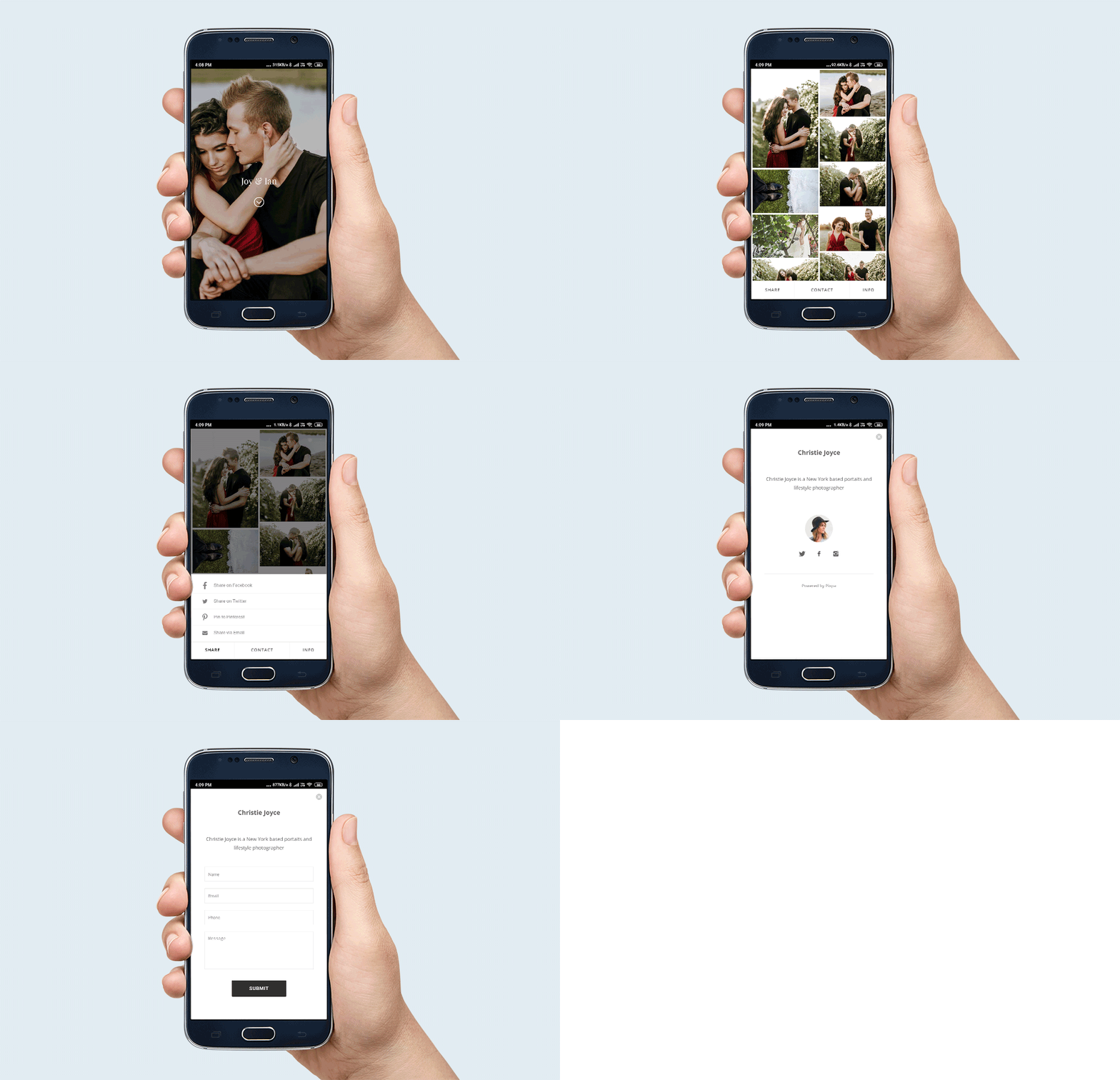
Here are a few ways you can use gallery links:
- You have done an assignment for a client and wanted to share the highlight of your work as a branded app.
- You want to showcase a selection of your work to any potential client without including it in your public portfolio website.
- You want a publicly accessible mobile gallery of your work that is independent of your website – may be for an event, a campaign, or a specific project.
There are plenty of more ways in which you can use Pixpa’s Gallery Links tool. It’s a robust, secure, and interactive way of showcasing and sharing your work to specific audiences apart from your public website.
The number of gallery links available depends on your Pixpa plan. The Basic plan allows up to 3 gallery links, the Creator plan allows up to 10 gallery links, the Professional plan allows up to 25 gallery links, while the Advanced plan offers unlimited gallery links. Click here to see all the plans.
Have a look at a Gallery link example: https://grace.pixpa.com/mobileapp