Site Language
The site language will be included in the header of each page of your website. Your site visitors cannot see this information.
This information is used by the search engines like Google (bots) to limit users’ searches to their chosen language or automatically translate the website if needed.
The search engines use the site language/tag to identify the language of the website.
Specify the Site Language for your website

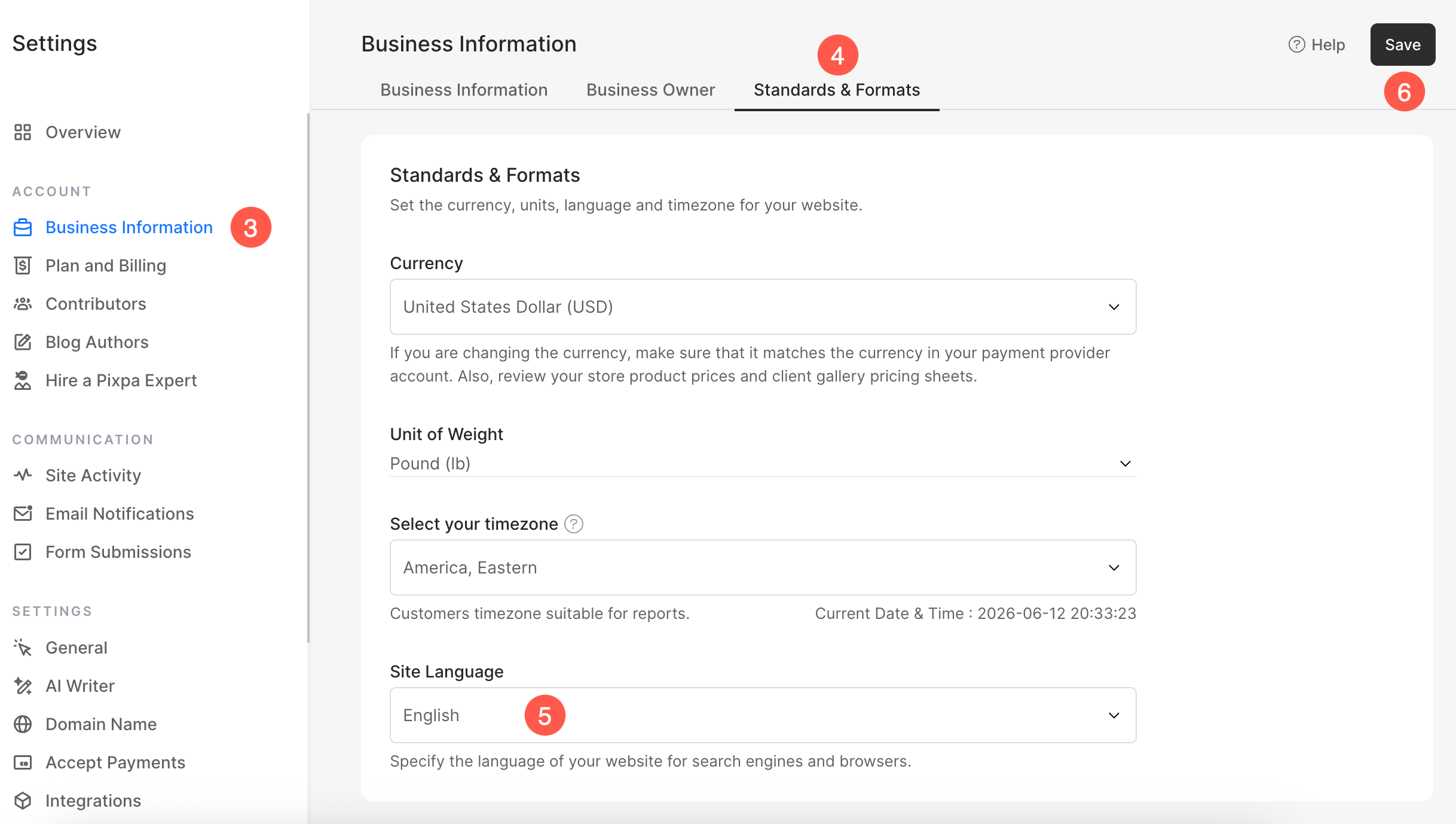
- From the left sidebar, click on Business Information (3) section.
- Under Standards & Formats (4) tab, scroll down to see the Site Language (5) option.
- Select the preferred language and Save (6) the changes.