
Add a banner to your folder and showcase any information.
Using a banner, you can show full-width images, image slideshow, videos. You can choose to show a banner at the top or bottom of your folder page.
The content cannot be directly added to a folder, the folder items (menu items added to folder) become the content of the folder, so in case you want to show any information, you can use the banner.
Here’s what a banner on the top of the folder page looks like:

Add a Banner to your Folder:
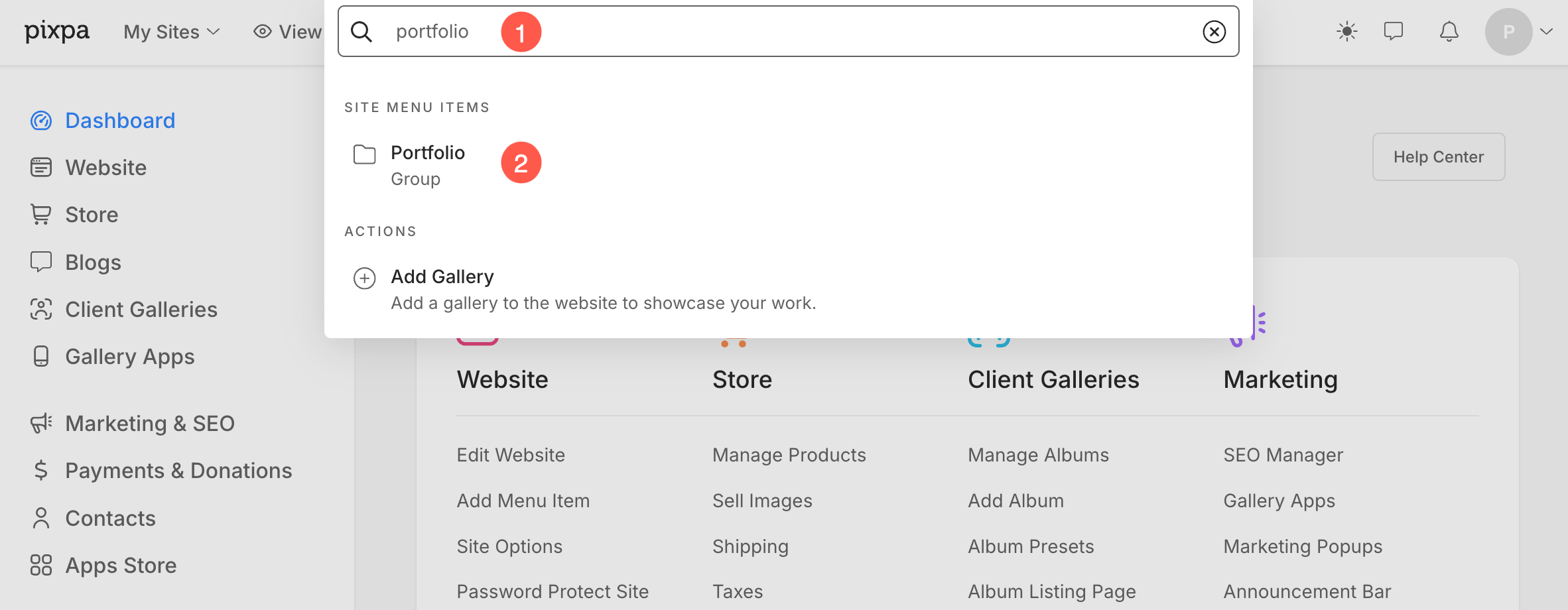
- Enter the folder title (1) in the Search Bar.
- Click on the folder (2) under Site Menu Items.
- From the Folder Settings page, click on the Banner (3) tab. This will open up the Banner settings drawer.
- From Banner Type (4) option, you can enable an Image / Video banner or Inactive the banner.
- After making customizations, Save (5) the changes.

See how to manage the banner.